How to analyze a padel match on video
Film from behind the back glass, tag bandejas, lobs, smashes and errors, and review the patterns with your partner. Step by step, nothing to install.
On this page
To analyze a padel match on video, film it from behind the back glass, mark every shot that matters while you watch (bandejas, lobs, smashes, wall exits and errors), and then review those shots grouped together rather than the whole match start to finish. What you are looking for is patterns: who wins the net, which shot loses it for you, and when in the set the errors show up.
How to film the match
- From behind the back glass, up high. Two or three meters off the ground and centered, you see the whole court, both pairs and the wall game. From the side you lose depth, which is exactly what decides a bandeja or a lob.
- A phone is enough. Landscape, with exposure locked so it does not shift with the lights, and with a battery or a cable for a ninety-minute match.
- The whole match, uncut. Cuts lose the context of the point, and later you cannot tell how a rally started.
Upload it to YouTube as unlisted or keep it on your computer: cliply plays it from either. See Upload videos and How to analyze a match from YouTube.
What to look at in a padel match
A match has hundreds of shots, so it pays to arrive with concrete questions:
| Question | What to tag |
|---|---|
| Who wins the net, and how is it lost? | "Net point", "Bandeja", "Víbora" |
| Do the lobs win the net back? | "Lob" and what happens next |
| How does each player defend the balls that get past the glass? | "Off the wall" |
| Do the smashes finish the point or give the ball back? | "Smash", with "Por 3" and "Por 4" |
| Do the errors come at the end of the set? | "Unforced error", "Forced error", "Double fault" |
| How does the pair play under pressure? | "Golden point" |
The bandeja deserves its own look. It is the shot a pair uses to hold the net, and a short or central bandeja hands the initiative to the opponents. Watching ten bandejas in a row teaches more than a whole set watched straight through.
Step by step in cliply
- Create an organization with padel as its sport. The deck comes with the shots in the table and their keyboard shortcuts. See Decks and catalog.
- Add the match video and tag while it plays: each press creates a clip around the shot. See Create clips.
- Qualify with variants where it helps: "Forehand", "Backhand" or "Volley" on a "Winner", "Por 3" or "Por 4" on a "Smash".
- Filter by tag to see every shot of the same kind together, for example every bandeja in the second set.
- Draw on a frozen frame to mark where each player stands, and use the tactics board with the padel court to explain how to cover a lob or when both players should go to the net. See Drawing and telestration.
- Send your partner or your students a share link with the clips. They open it in the browser, with no account.
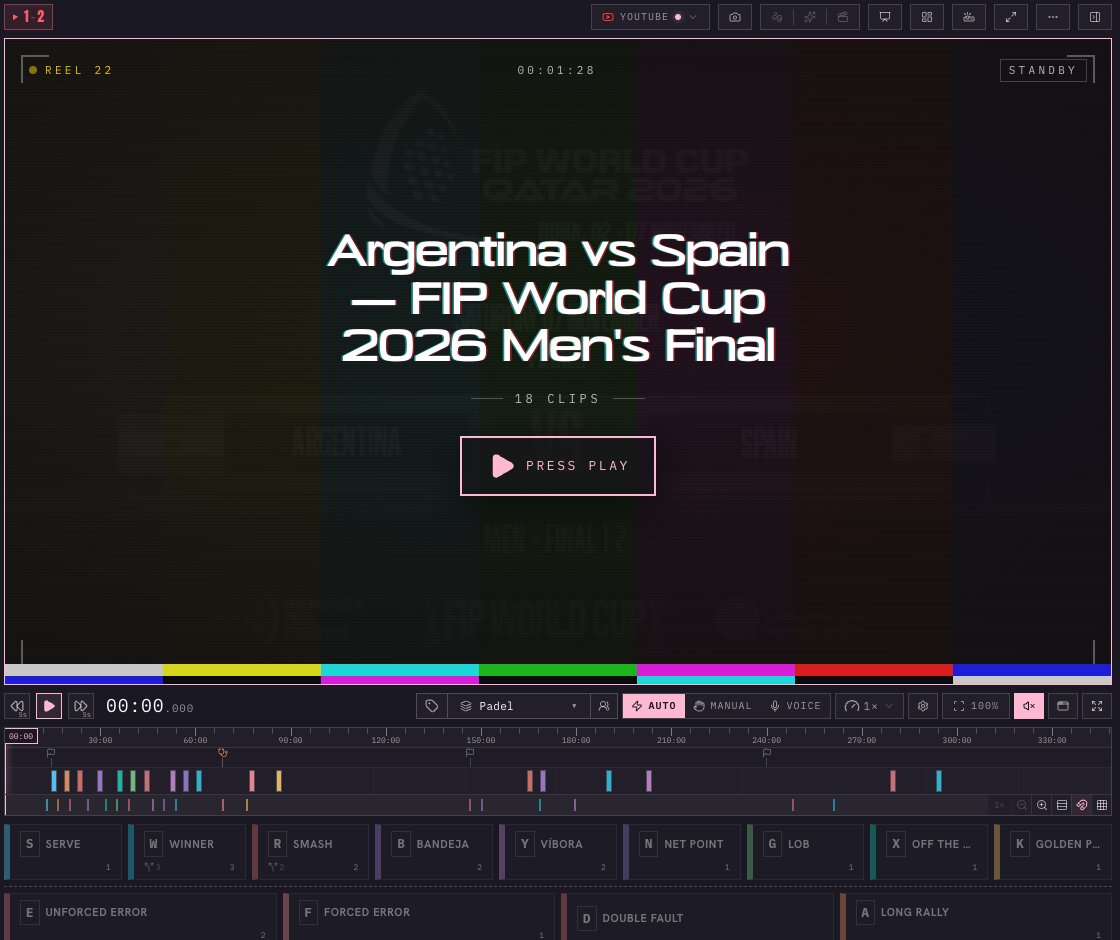
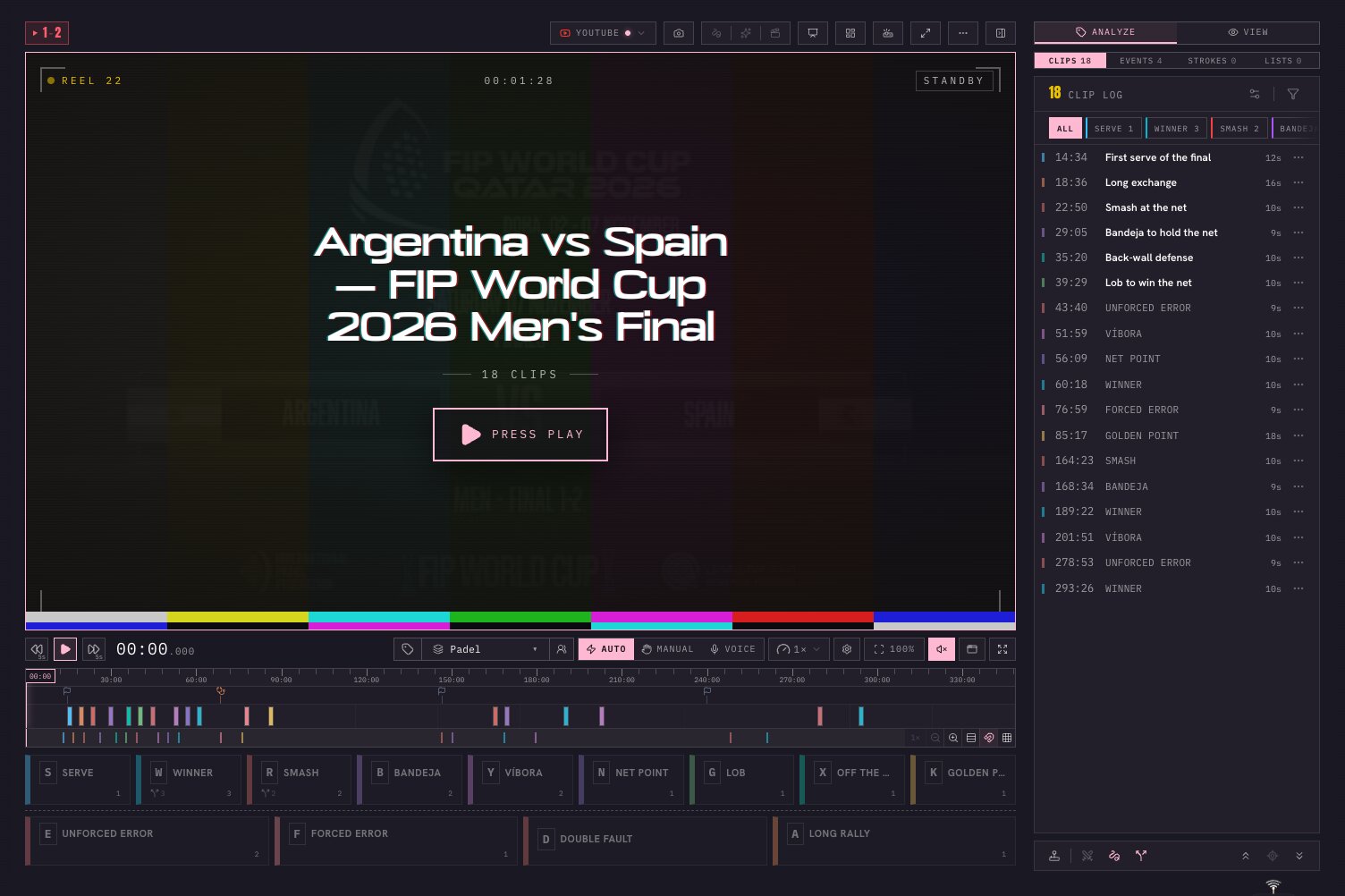 The sample match in the workspace: the padel deck at the bottom and the clip log with the tagged shots.
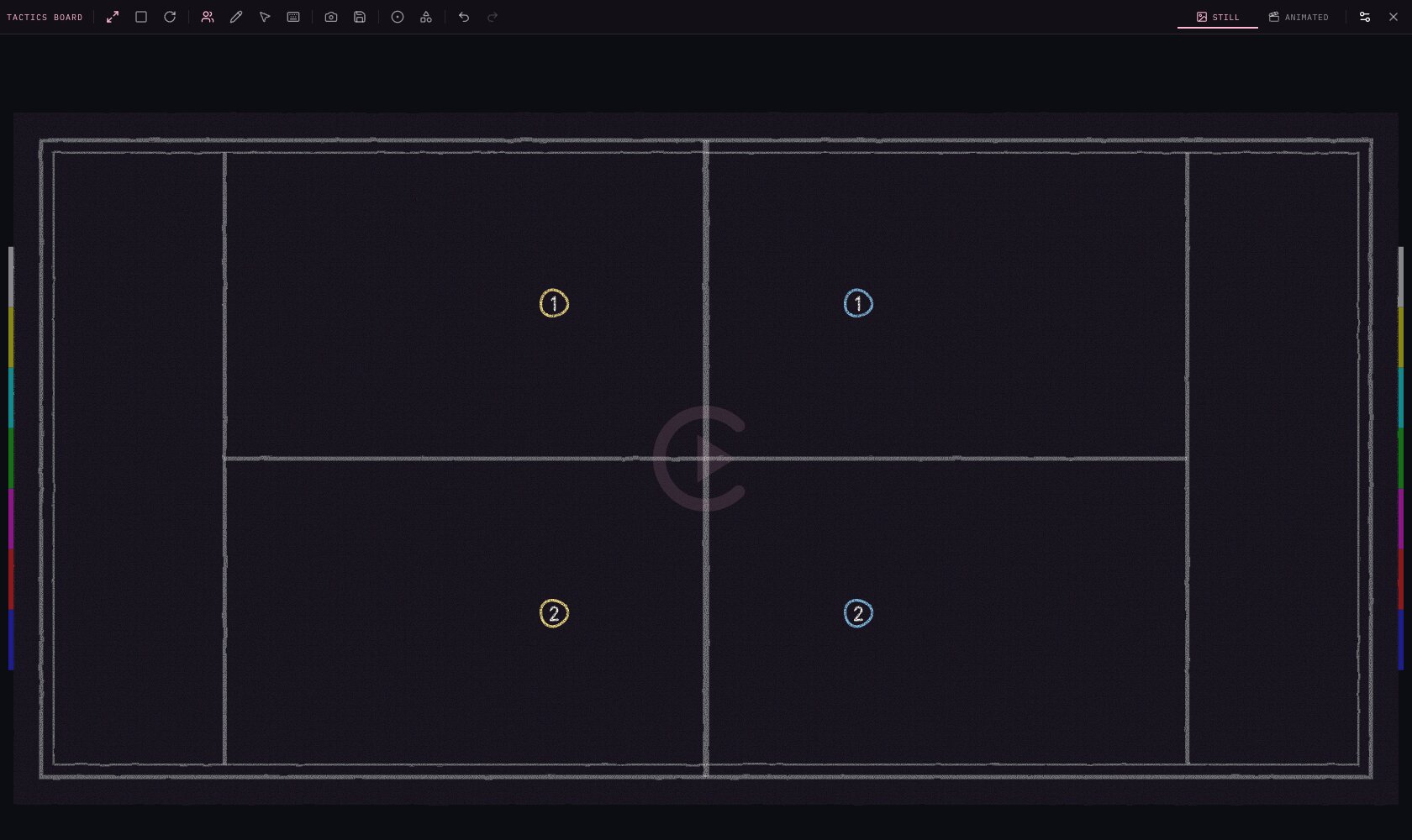 The tactics board: the padel court with both pairs at the net.
If you do not have a match of your own at hand, the welcome tour offers a pre-tagged sample when you create the organization: the 2026 FIP World Cup men's final between Argentina and Spain.
When cliply isn't the right fit
- If you want automatic shot statistics or a movement map without tagging anything, cliply does not generate them from the video: you place the tags.
- If you need the full match stored on a server, that starts on the Club plan or with the Cloud add-on. On the other plans the video stays on YouTube or on your device. See pricing.
- If two people need to tag the same video at the same time, that is not available yet.
Try it
Go to /try, paste the link to a YouTube match and tag it in the browser, with no account. To see everything the padel deck includes, read Video analysis software for padel.
Try it on your own match
Paste a YouTube link to a match and tag it in your browser, no account needed.